

You pull the OSHA 300 log in late October to get a head start on the annual summary. Row four is a fractured ankle from March, checked as a days-away case, with “30” in the days column and a note that says estimate. The injured forklift operator came back on restricted duty in May and has been on full duty since July, but nobody ever went back to the row. Two lines down, a wrist sprain from August is missing entirely, because the first-aid log says ice and a wrap, and the physical therapy referral that followed went to the workers’ comp carrier instead of to you.
Both are the kind of gap OSHA expects the year-end review to catch before an executive signs the summary.
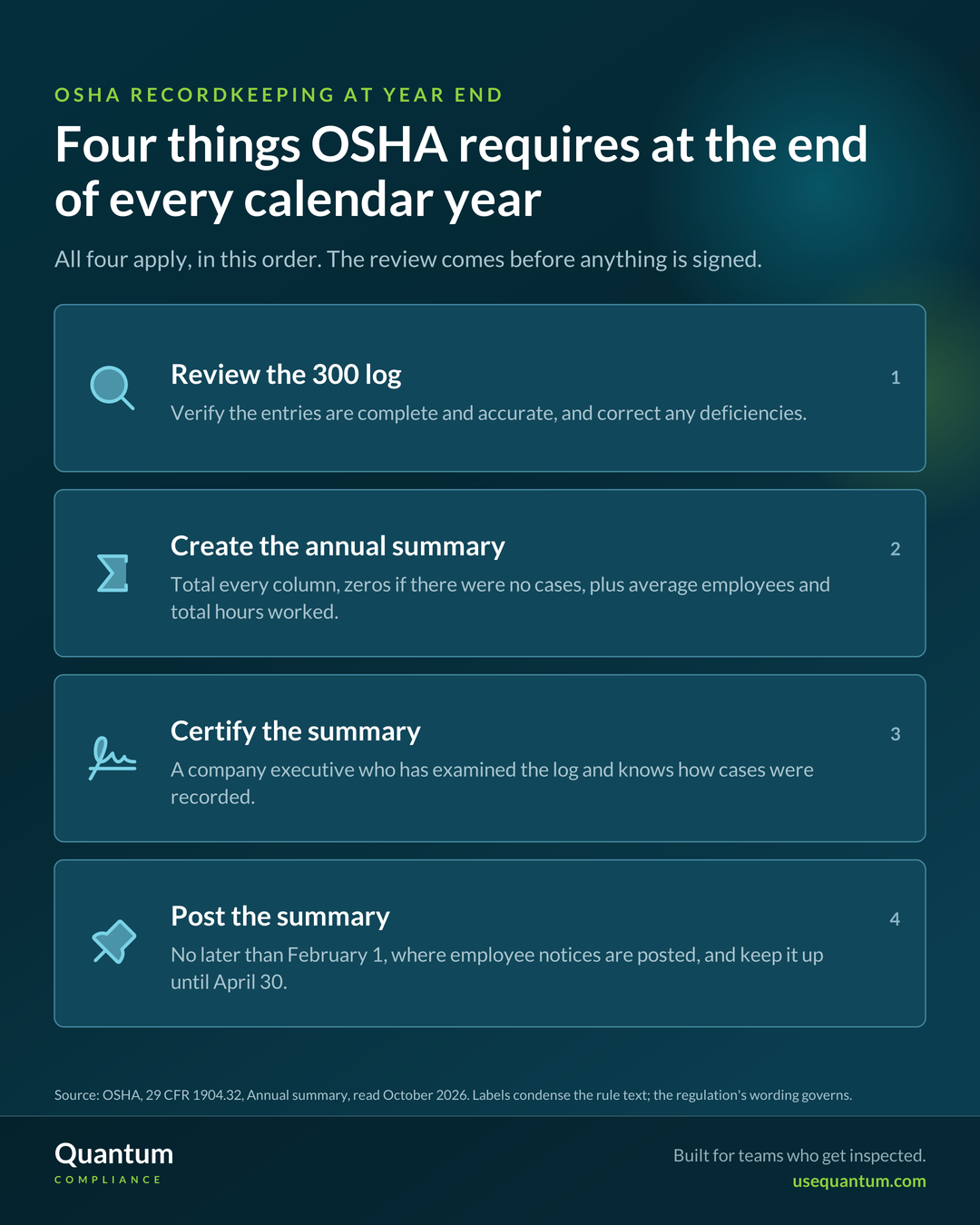
What OSHA requires at the end of the year
Section 1904.32 lists four things you must do at the end of each calendar year: review the OSHA 300 log “to verify that the entries are complete and accurate, and correct any deficiencies identified,” create the annual summary, certify it, and post it. On how deep the review must go, the rule says only that you review the entries “as extensively as necessary” to make sure they are complete and correct. The standard gives no checklist for the review, so the steps below supply one.
A company executive certifies that he or she has examined the 300 log and reasonably believes, based on knowledge of the process by which the information was recorded, that the summary is correct and complete. OSHA limits who can sign: an owner (only in a sole proprietorship or partnership), an officer of the corporation, the highest ranking company official working at the establishment, or that person’s immediate supervisor.
The Year-End Recordkeeping Calendar
| When | What OSHA requires |
|---|---|
| End of the calendar year | Review the 300 log, correct deficiencies, create and certify the 300A summary |
| No later than February 1 | Post the certified summary where employee notices are customarily posted |
| By March 2 | Submit electronically, if your establishment is covered by 1904.41 |
| Through April 30 | Keep the summary posted, unaltered and uncovered |
| For five years after the year ends | Keep the 300 log, privacy case list (if any), summary, and 301 forms, and keep the log updated |
Source: OSHA, 29 CFR 1904.32, 1904.41 and 1904.33
Under 1904.41, the employee counts refer to the size of the establishment at any time during the previous calendar year. Establishments with 20 to 249 employees submit 300A data only if their industry is listed in Appendix A to Subpart E. Establishments with 250 or more employees that are required to keep records submit it whatever their industry, and establishments with 100 or more employees in Appendix B industries also submit 300 and 301 data. Check your NAICS code against both appendices before assuming you are in or out.
How to run the review, step by step
Steps to Review Your OSHA 300 Log Before Certification
Compare the log with incident reports, the first-aid log, workers’ comp claims, and clinic notes.
Replace every estimate with the actual number of calendar days once it is known.
Confirm the outcome column still reflects what actually happened to the worker.
Match every “privacy case” entry to OSHA’s list and to your confidential name list.
Enter zeros if you had no cases, then add the year, company and establishment details, average employees, and total hours worked.
The executive must certify having examined the 300 log and must know how cases were recorded.
Reconcile before you correct
Start with the cases that never made it onto the log, because they are the hardest to see from the log itself. Pull every incident report, first-aid entry, comp claim, and clinic note for the year and check each one against the general recording criteria in 1904.7, including medical treatment beyond first aid, days away, and restricted work or job transfer. When you find a recordable case that was missed, enter it now. Going forward, 1904.29 gives you seven calendar days from receiving information that a recordable injury or illness occurred to enter it on the 300 log and the 301 report.
Fix the day counts
OSHA’s general recording criteria say that when an employee is out for an extended period you enter an estimate of the days and update the count when the actual number is known. That update is the step the March ankle case missed. While you are correcting it, apply the counting rules as written: start the count the day after the injury, count every calendar day the employee was unable to work, whether or not they were scheduled, including weekends, holidays, vacation days and other days off, and end the days-away count on the date a physician or other licensed health care professional recommended return to work, even if the employee stayed home longer. You may cap the total at 180 calendar days, and you may stop counting if the employee leaves the company for a reason unrelated to the injury.
Audit privacy cases against the complete list
The six privacy concern categories in 1904.29(b)(7) cover (1) an injury or illness to an intimate body part or the reproductive system; (2) an injury or illness resulting from a sexual assault; (3) mental illnesses; (4) HIV infection, hepatitis, or tuberculosis; (5) needlestick injuries and cuts from sharp objects contaminated with another person’s blood or other potentially infectious material; and (6) other illnesses, if the employee voluntarily asks that their name be left off the log. OSHA states this is a complete list, so an entry marked “privacy case” that fits none of them needs the employee’s name restored. For each legitimate one, confirm the case number appears on your separate, confidential list of names.
Keeping and updating records for five years
Section 1904.33 requires you to save the log, the privacy case list, the annual summary, and the 301 forms for five years after the end of the year they cover, and to update stored logs during that period for newly discovered recordable cases and for changes in classification. When a case’s description or outcome changes, you line out or remove the original entry and enter the new information. The annual summary and the 301 forms do not have to be updated, though you may. In practice this means a comp claim that surfaces in April and reveals a recordable injury from last October goes on last year’s log as a newly discovered case.
What to change so next year’s review is shorter
A year-end review that keeps finding the same gaps is telling you something about how information reaches the log during the year.
- Route every injury source into one intake. Arrange for comp carrier notices, occupational clinic notes, and first-aid entries to land in the same queue the safety team works from, so a referral for physical therapy reaches the person who maintains the log.
- Make day-count updates a scheduled task. Review every open days-away or restricted case each month, and record the date each estimate was replaced with an actual count.
- Assign a named owner for privacy cases. One person decides whether a case fits the 1904.29(b)(7) list and keeps the confidential name list current.
- Brief the certifying executive before January. A short walkthrough of how cases are captured and classified gives the signer a real basis for the “knowledge of the process” the certification describes.
For a broader view of how recordkeeping fits with the rest of your program, see Quantum’s overview of OSHA compliance software.
How Q-Incident Can Help
Q-Incident supports steps three and five above, and gives step one a single record of every incident reported through it. Each injured-person record carries a recordable flag that brings up the OSHA 300 and 301 questions, administrators can edit an injury case record after the investigation closes when its classification changes, and investigation version history keeps a snapshot at each report, task, and sign-off submission. The OSHA 300, 300A, and 301 forms export from the same records, and the dashboard shows recordable counts and incident rate trends as the year goes on.
The platform does not decide whether a case is recordable; that judgment stays with you. It also cannot see a comp claim or clinic note that never enters the system, and total hours worked still comes from payroll. Executive certification, posting, and any electronic submission to OSHA remain your steps to complete.